


Download Internet Explorer 9 64 bit – fast, secure, free browser for Windows
Overview
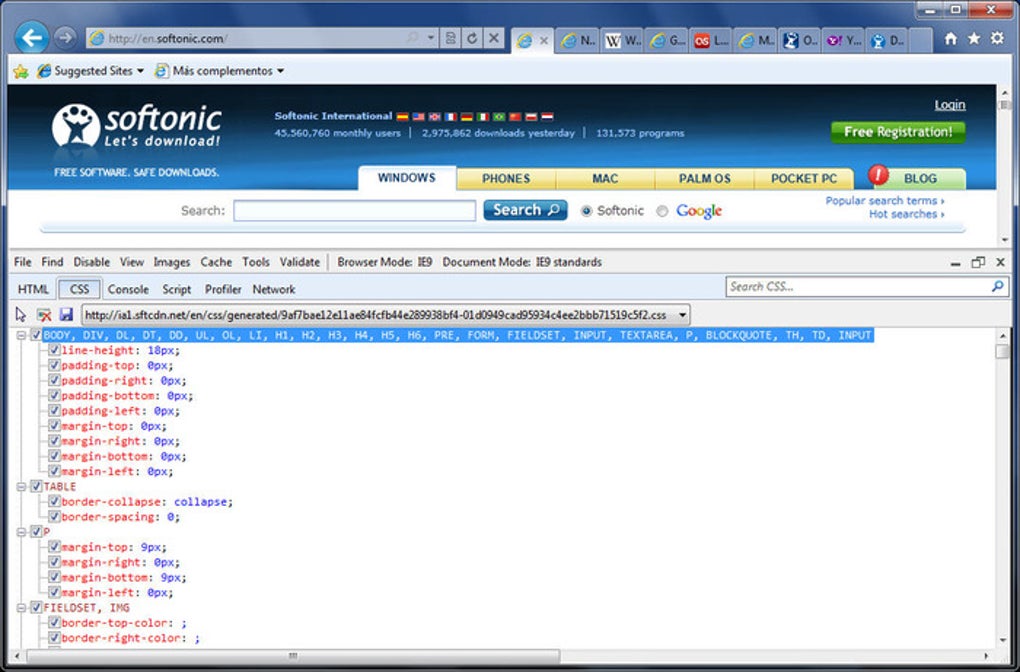
Internet Explorer 9 (IE 9) 64‑bit is Microsoft’s next‑generation web browser built for Windows 7, Windows 8 and later editions. The browser carries a modern, glass‑like interface that takes full advantage of the Aero theme and ClearType rendering, giving users a sleek, visually‑pleasing experience that feels native to the operating system. While retaining the familiar “Internet Explorer” brand, IE 9 introduces a merged address‑search bar, a feature first popularized by Google Chrome, to streamline navigation and reduce clutter on the screen. Under the hood, the 64‑bit build leverages the larger address space of modern CPUs, providing better stability when handling multiple tabs, high‑definition media, and heavy JavaScript workloads.
Security has been a primary focus for this release. Microsoft integrated an enhanced SmartScreen filter, improved InPrivate Filtering, and a new “Performance Advisor” that scans installed add‑ons and flags those that could degrade speed or pose security risks. These tools, combined with a more aggressive sandboxing model, help protect users from phishing, malicious downloads, and drive‑by exploits that were common in earlier versions of the browser.
From a standards perspective, IE 9 brings near‑complete HTML5 support, a CSS3 rendering engine, and a near‑perfect 95/100 score on the Acid 3 test. This means modern, media‑rich websites load correctly without the need for legacy work‑arounds. Additionally, the browser’s “Pin to Taskbar” feature lets you turn frequently‑visited sites into pseudo‑applications, complete with custom icons and jump‑list entries, blending web content into the Windows desktop environment.
Overall, IE 9 64‑bit is positioned as a free, secure, and fast browser that competes head‑to‑head with Chrome, Firefox, and Safari. Its deep integration with Windows, combined with a refreshed UI and robust performance improvements, makes it an attractive option for both power users and casual browsers who prefer a Microsoft‑centric ecosystem.
Key Features
- Modern, transparent UI: Leveraging Windows 7’s Aero glass, the browser offers a clean look with animated tabs and a unified address/search bar.
- 64‑bit architecture: Utilises the full 64‑bit memory space for better stability, especially when many tabs or heavy web apps are open.
- HTML5 & CSS3 support: Near‑complete implementation of HTML5 video/audio, canvas, and CSS3 transitions for richer web experiences.
- Performance Advisor add‑on: Scans installed extensions, highlights those that slow down the browser, and suggests safer alternatives.
- InPrivate Filtering & SmartScreen: Advanced anti‑phishing and anti‑malware filters that block unwanted content before it reaches the user.
- Pin to Taskbar (Superbar): Turn any website into a desktop‑like app with its own icon, jump‑list, and quick‑launch capability.
- Hang Recovery: Automatically restores tabs after a crash, preserving user sessions and unsaved form data.
- Improved JavaScript engine: Faster script execution for modern web applications, reducing page load times.
- Acid 3 score of 95/100: Demonstrates strong compliance with web standards, ensuring compatibility with contemporary sites.
- Seamless integration with Windows: Shares bookmarks, history, and settings across Microsoft services like OneDrive and Windows Live.
Installation & Compatibility
Installing Internet Explorer 9 64‑bit is straightforward and requires a Windows operating system that supports the 64‑bit architecture. The minimum system requirements are:
- Operating System: Windows 7 (64‑bit), Windows 8 (64‑bit) or later.
- Processor: 1 GHz or faster (x64‑compatible).
- RAM: Minimum 1 GB (2 GB recommended for optimal performance).
- Hard Disk Space: At least 200 MB of free space.
- Graphics: DirectX 9 compatible video card with WDDM driver.
Step‑by‑step installation guide:
- Visit the official Microsoft download page for IE 9 64‑bit.
- Click the “Download” button; the installer (IE9‑Setup‑x64‑EN.exe) will be saved to your default download folder.
- Right‑click the file and select “Run as administrator” to ensure the installer has the necessary permissions.
- Follow the on‑screen prompts: accept the license agreement, choose the default installation folder, and let the setup copy files.
- When prompted, restart your computer to complete the integration of browser components and system libraries.
- After reboot, launch Internet Explorer 9 from the Start menu or the pinned taskbar icon.
During first launch, the browser will automatically check for the latest security updates and apply them, ensuring a secure browsing environment right out of the box. For users who already have a previous version of Internet Explorer installed, the setup will upgrade the existing installation while preserving bookmarks, saved passwords, and custom settings.
IE 9 64‑bit is fully compatible with Windows 7, Windows 8, Windows 8.1, and Windows 10 (in legacy mode). It does not support Windows XP, Vista (32‑bit), or non‑Microsoft operating systems such as macOS, Linux, Android, or iOS. However, Microsoft offers a “IE 9 Mode” for Windows 10 users via the Enterprise “IE Mode” extension in Microsoft Edge, allowing legacy web applications to run within a modern browser framework.
Once installed, users can customize the browser’s privacy settings, manage extensions through the “Add‑ons Manager,” and configure the “Performance Advisor” to automatically disable problematic add‑ons. Regular updates are delivered via Windows Update, ensuring the browser stays protected against emerging threats and maintains compatibility with evolving web standards.
Pros, Cons & Frequently Asked Questions
Pros
- Free and fully integrated with Windows, eliminating the need for third‑party browsers.
- 64‑bit architecture provides improved stability and security for multitasking.
- Robust HTML5 and CSS3 support reduces reliance on plug‑ins.
- Performance Advisor helps keep the browser fast by managing add‑ons.
- InPrivate Filtering and SmartScreen offer strong protection against phishing and malware.
- Pin to Taskbar feature blurs the line between web apps and native Windows apps.
Cons
- Only available for Windows; no native macOS, Linux, Android, or iOS versions.
- Legacy support for older websites can be inconsistent compared to Chrome or Firefox.
- Some users report slower JavaScript performance on complex single‑page applications.
- Limited extension ecosystem; fewer third‑party add‑ons than competing browsers.
- Microsoft has shifted focus to Edge, meaning future feature updates may be limited.
Frequently Asked Questions
Is Internet Explorer 9 still supported by Microsoft?
Microsoft officially ended mainstream support for IE 9 in January 2016. However, security updates are still delivered through Windows Update for supported Windows versions, and Enterprise customers can use IE 9 in “IE Mode” within Microsoft Edge for legacy applications.
Can I run IE 9 64‑bit on Windows 10?
Yes, IE 9 64‑bit can be installed on Windows 10 in legacy mode, but Microsoft recommends using Microsoft Edge for a modern browsing experience. IE 9 may be required for older intranet sites that rely on specific ActiveX controls.
How does the Performance Advisor improve speed?
The Performance Advisor scans all installed add‑ons, measures their impact on page load times, and presents a ranked list of the most resource‑heavy extensions. Users can disable or remove the culprits with a single click, resulting in faster browsing and reduced memory consumption.
Is IE 9 64‑bit safe for online banking?
Yes, the built‑in SmartScreen filter, InPrivate Filtering, and enhanced sandboxing provide strong protection against phishing and malicious scripts. However, always ensure you have the latest security updates installed and consider using two‑factor authentication for added security.
Can I import bookmarks from Chrome or Firefox?
Yes. IE 9 includes an import wizard that can read HTML export files from Chrome, Firefox, or other browsers. Export your bookmarks to an HTML file, then use the “Import from file” option in IE’s Favorites manager to bring them into Internet Explorer.
Our Verdict
Internet Explorer 9 64‑bit delivers a solid mix of speed, security, and Windows integration that still holds value for legacy environments and users who prefer a Microsoft‑centric browsing experience. While its future development has been eclipsed by Microsoft Edge, the browser’s feature set—especially the 64‑bit stability and Performance Advisor—makes it a worthwhile download for organizations maintaining older web applications.
Rating: 4.2/5
Conclusion & Call to Action
Internet Explorer 9 64‑bit remains a free, secure, and reasonably fast browser for Windows users who need strong OS integration and legacy support. Its modern UI, HTML5 compliance, and built‑in security tools such as SmartScreen and InPrivate Filtering set a high bar for a browser that is often overlooked in today’s Chrome‑dominated market. If you run Windows 7 or later and need a browser that can pin web pages as desktop‑like apps, or you must maintain compatibility with older intranet sites, IE 9 64‑bit is still a viable choice.
Ready to experience the sleek redesign and performance boost? Download Internet Explorer 9 64‑bit now and enjoy a faster, safer web experience on your Windows PC.







